
Cracked Your iPhone Screen? Here’s What to Do Next
Written by: Steve Garza
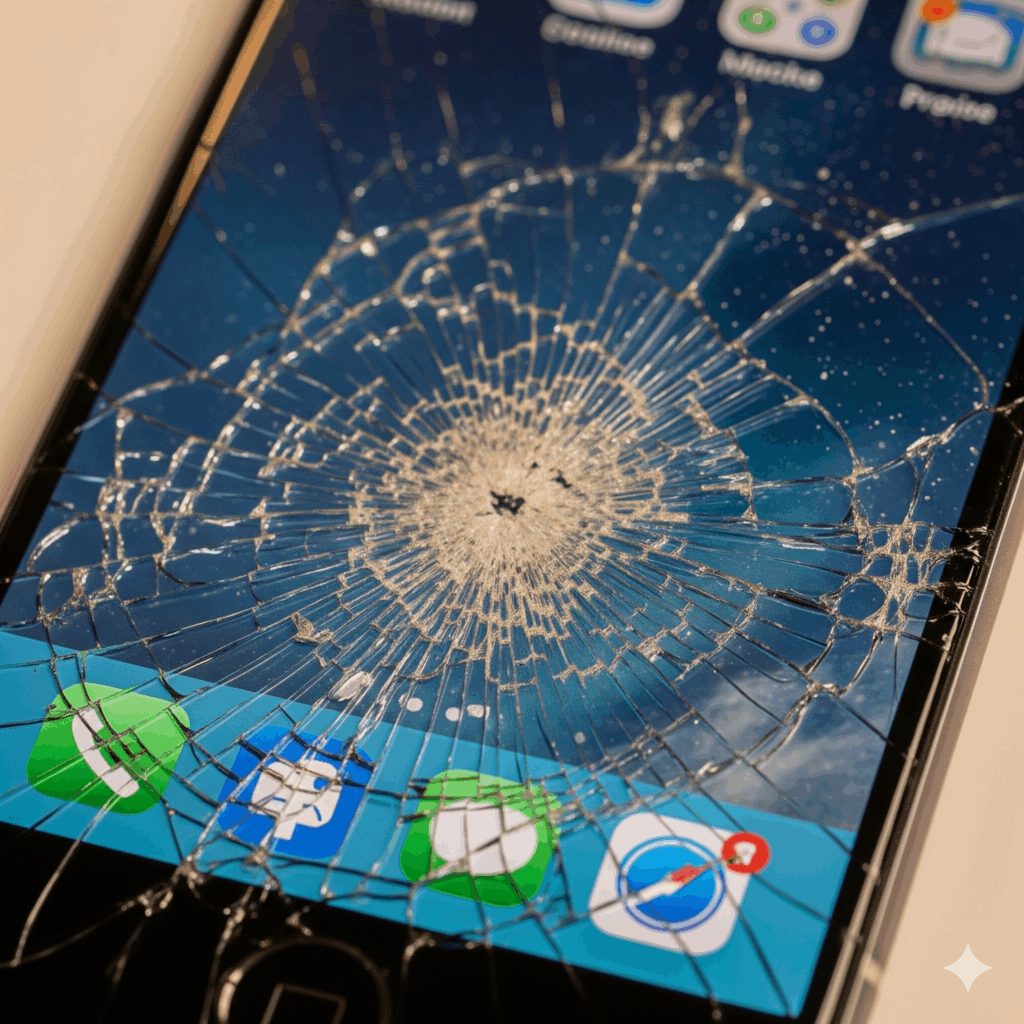
The heart-stopping moment when your iPhone slips from your hand, followed by the sickening crunch of glass on pavement, is a modern-day rite of passage. That spiderweb of cracks across your screen isn’t just an aesthetic problem; it can lead to further damage, a loss of functionality, and even data corruption. But before you start looking at a replacement device, let’s take a deep breath. A cracked screen doesn’t have to be the end of the line for your beloved iPhone.
As a leading provider of professional device repair services, we’ve seen every type of screen damage imaginable—from minor hairline fractures to completely shattered displays. Our goal with this guide is to provide you with clear, authoritative advice on what to do next, based on years of industry experience and an understanding of the intricate technology behind your iPhone. This information is for educational purposes and to help you make an informed decision about your device’s health and longevity.
The Immediate Aftermath: What a Cracked Screen Really Means
A cracked iPhone screen is more than just a cosmetic flaw. The damage can extend beyond the visible glass surface, affecting the underlying components. Your iPhone screen is not a single piece of glass but a complex, multi-layered assembly that includes the glass itself, the digitizer (which registers touch), and the LCD or OLED display (which produces the image).
- Surface-level cracks: Small, hairline cracks might seem harmless, but they compromise the phone’s integrity. They can allow moisture, dirt, and dust to seep into the device, leading to issues with the internal components.
- Deep, spiderweb cracks: This level of damage often means the digitizer is also affected. You might experience “ghost touching” (the phone acts as if it’s being touched when it’s not) or have sections of the screen that are completely unresponsive.
- Black spots or colored lines: If you see black splotches or colorful, jagged lines on the display, it’s a clear sign that the LCD/OLED panel has been damaged. This is a more severe issue that requires a full screen replacement, not just a glass-only repair.
According to a 2023 mobile damage survey, accidental damage, particularly cracked screens, remains the most common reason for smartphone repair requests, accounting for over 50% of all service calls. Ignoring the damage can lead to a domino effect of internal problems, eventually rendering the device unusable.
DIY vs. Professional
When faced with a cracked screen, you essentially have two main options: attempting a do-it-yourself (DIY) repair or seeking professional help. Each path has its own set of pros and cons, and understanding them is crucial to making the right choice for your device and your wallet.
The Allure and Dangers of DIY Repair
DIY repair videos on platforms like YouTube can make the process look deceptively simple. Kits are available online for a fraction of the cost of a professional repair. However, this seemingly low-cost solution comes with significant risks that are often underestimated.
- The risk of further damage: iPhones are incredibly complex and fragile devices. Attempting to pry open the screen without the right tools or expertise can easily lead to torn ribbon cables, a punctured battery (a major fire hazard), or damage to the logic board. A slight misstep can turn a simple screen issue into a complete system failure.
- Voiding your warranty: Apple and other manufacturers are very clear: attempting a self-repair or using non-certified parts will immediately void any remaining warranty or AppleCare coverage you have. This means if something else goes wrong with your phone, you’re on your own.
- Substandard parts: The low-cost screen replacement kits often contain cheap, third-party parts that lack the quality and durability of genuine components. This can lead to reduced touch sensitivity, poor color accuracy, or a screen that is more prone to future cracking.
The Case for Professional Repair
A professional repair service, like the one we offer for a wide range of devices including iPhone repairs, provides a safe, reliable, and often surprisingly affordable alternative.
- Expertise and Experience: Professional technicians are trained to handle the delicate components of your iPhone with precision. They have the right tools and knowledge to perform a repair without causing additional damage.
- Quality Parts: A reputable repair shop uses high-quality replacement parts, often with a warranty on their work. This ensures your screen will function as it should, with proper touch sensitivity and display quality.
- Efficiency: A skilled technician can replace a cracked screen in a fraction of the time it would take an inexperienced DIYer, often in under an hour, meaning you get your phone back quickly.
Plan for Repair
Once you’ve decided on a professional repair, what’s next? Here is a clear, step-by-step plan to get your phone fixed and protected.
Step 1: Assess the Damage and Back Up Your Data Before you do anything else, evaluate the extent of the damage. Is the screen still somewhat responsive? If so, immediately back up your data. This is a crucial step to protect your photos, contacts, and other important information in case of an unforeseen issue during the repair process. You can back up your iPhone using iCloud or by connecting it to a computer.
Step 2: Research and Choose a Reputable Repair Service Don’t just go to the cheapest place you can find. Look for a repair shop with a strong reputation, positive customer reviews, and experienced technicians. A great way to find a reliable repair service is to check for certifications or partnerships with major brands. The best shops will offer a warranty on their parts and labor, providing peace of mind. To learn more about our commitment to quality, you can visit our website.
Step 3: Book Your Appointment and Get an Estimate Once you’ve chosen a repair shop, book an appointment to ensure a smooth, quick process. This also allows the technician to have the right parts ready for your specific iPhone model. During your appointment, be sure to get a clear, written estimate of the repair costs. The cost can vary significantly based on your iPhone model. According to an article from Techlicious, the cost of an iPhone screen repair from a third-party vendor can be significantly less than a repair from Apple, with prices varying by model and the extent of the damage. For more specific comparisons, you can review this helpful article on iPhone repair costs.
Step 4: Protect Your Device to Prevent Future Damage After the repair, the job isn’t done. The best way to prevent a repeat performance is to protect your newly repaired screen. Invest in a high-quality tempered glass screen protector and a durable phone case with raised edges to absorb shock and protect your device from future drops. This simple investment can save you from a major headache and expense down the road.
Conclusion and Final Thoughts
A cracked iPhone screen is a frustrating event, but it’s not the end of the world. While the temptation of a DIY fix might be strong, the risks of causing further, irreparable damage far outweigh the potential savings. Choosing a professional, reliable repair service is the safest and most efficient way to get your device back to perfect working order. By taking the right steps—backing up your data, choosing a certified professional, and investing in preventative protection—you can extend the life of your iPhone and save yourself from future stress.
If you have a cracked iPhone screen, don’t hesitate to get it checked out by a professional. We offer a wide range of services, not just for iPhones but for other devices as well. You can find out more about our services, including our tablet repairs, by visiting our website.
Disclaimer: The information provided in this blog post is for educational purposes only and is not intended to be a substitute for professional advice. Always consult with a qualified technician or professional repair service before attempting any repairs on your device. DIY repairs can void warranties and may result in further damage to your device.


