
How to Save Your Phone from Water Damage: A Step-by-Step Guide
Written by: Steve Garza
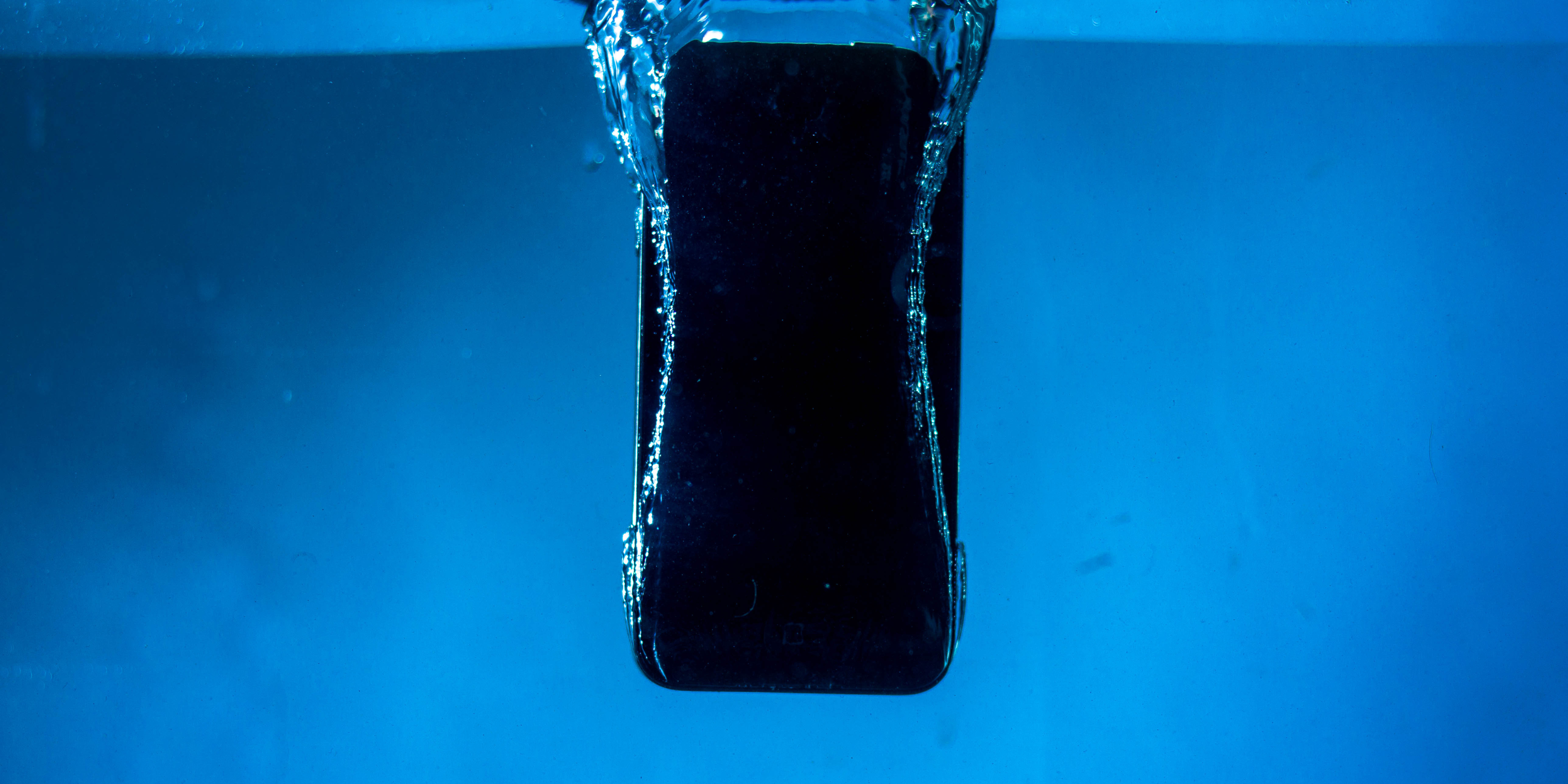
The sudden, heart-stopping moment when your phone slips from your hand and plunges into a body of water—whether it’s the toilet, the pool, or a spilled drink—is a truly terrifying experience. The screen goes dark, and a mix of panic and dread sets in. While many modern phones have some degree of water resistance, no device is truly waterproof. The success of saving your phone from water damage often depends on what you do in the first few moments after the accident.
As professional device repair specialists, we see the aftermath of water damage almost daily. The good news is that with quick, correct action, your phone has a fighting chance. The bad news is that many popular “solutions” you’ll find online can actually make the problem much worse. This guide will walk you through the essential, expert-approved steps to take immediately, separating fact from fiction and giving your device the best possible chance of survival.
The Critical First Steps: Act Immediately
When your phone gets wet, every second counts. The longer moisture sits inside the device, the more likely it is to cause corrosion and short-circuit critical components. You have a small window of opportunity to prevent irreversible damage. Here’s exactly what you need to do, in order:
1. Power Off the Phone Immediately. This is the single most important step. If your phone is still on, water can cause a short circuit, frying the delicate circuitry. Don’t press any buttons or try to use the touchscreen. Just turn it off as quickly as possible. If it was already off, leave it off.
2. Unplug Any Power Source. If the phone was plugged in when it got wet, immediately unplug the charging cable from the wall. Charging a wet device is extremely dangerous and can cause severe damage to the phone’s internal components, as well as posing a risk of electric shock.
3. Remove the Case, SIM Card, and Any Other Removable Parts. Take off the phone case, which can trap moisture against the device. Use a SIM ejector tool or a paperclip to remove the SIM card tray. If your phone has a removable battery or microSD card, remove those as well. This opens up as many ports as possible for air circulation.
4. Gently Pat It Dry. Use a clean, absorbent cloth or paper towel to gently pat the exterior of the phone dry. Focus on the charging port, speaker grilles, and any other openings. Do not shake the phone or try to blow air into it, as this can push water deeper into the device.
The “Don’ts” – Debunking Common Myths
Just as important as knowing what to do is knowing what not to do. There is a lot of bad advice on the internet that can turn a fixable problem into a catastrophic one.
Myth #1: Put Your Phone in a Bag of Rice. This is the most common myth and one of the worst pieces of advice you can follow. Rice is a poor desiccant, meaning it’s not effective at drawing out moisture from the inside of a sealed electronic device. What’s worse, the tiny particles of dust and starch from the rice can get into the charging port and other crevices, causing further corrosion and damage. According to a CNET article, “the rice trick is useless,” and it’s far better to simply air-dry the phone in an open space.
Myth #2: Use a Hairdryer or Heat Gun. Never, ever apply heat to a wet phone. Heat can push water droplets deeper into the device, warp delicate plastic components, and melt the adhesives that hold your phone together. The extreme heat can also damage the battery and other sensitive parts.
Myth #3: Turn It On “Just to See If It Works.” The moment you turn on a wet phone, you risk a short circuit. Even if the screen flickers on, the current flowing through the wet circuits can cause immediate, irreversible damage to the logic board. Wait until the phone has been professionally serviced and declared safe to use.
The Recovery Process & Next Steps
After you’ve completed the immediate steps, the best course of action is to seek professional help. While letting the phone air-dry for a day or two is a valid temporary measure, it is not a solution. The only way to ensure the device is completely safe is to have a professional take it apart.
A professional technician can:
- Open the Device Safely: They have the specialized tools to open the phone without causing damage to the screen or internal components.
- Perform a Deep Clean: A technician can use a special solution to clean the logic board and other components, removing any minerals left behind by the water that can cause corrosion over time. This is critical for preventing problems down the road.
- Thoroughly Dry All Components: They can ensure every part of the phone is completely dry using professional-grade tools.
- Diagnose Further Damage: If any components were damaged by the water, a professional can identify and replace them, restoring your phone to full functionality.
Water damage repair is a specialized process that requires expertise and the right equipment. Don’t risk your valuable device and the data it holds by attempting a DIY fix. Taking it to a professional quickly is your best bet for a successful recovery.
Conclusion and Final Thoughts
A submerged phone is not a lost cause, but its survival depends on a quick, calm, and correct response. Remember the key principles: act immediately, do not use rice or heat, and seek professional help. The risk of permanent damage from a short circuit or long-term corrosion is too great to gamble on DIY methods.
By following this guide, you can maximize your phone’s chances of a full recovery. If your phone has taken a dip, the most important next step is to get it to a professional technician as soon as possible. We specialize in bringing water-damaged devices back to life. You can learn more about our services for a wide range of devices on our other device repairs page, or simply book an appointment on our website for a prompt and expert assessment.
FAQs
Q1: Does a water-resistant phone protect against all water damage?
A1: No. A phone’s IP rating (e.g., IP68) indicates water resistance, not a completely waterproof state. These ratings are based on lab tests with fresh, still water. Exposure to saltwater, chlorinated pool water, or even sugary drinks can still cause corrosion and damage, as these liquids are more conductive and corrosive.
Q2: How long can I wait before taking my phone to a repair shop?
A2: The sooner, the better. The internal corrosion process begins almost immediately after a phone gets wet. While a phone might seem to work for a few days after being dried, internal corrosion can cause a slow, progressive death of the device. We recommend getting the phone to a professional within 24 hours to maximize the chances of a full recovery.
Disclaimer: The information provided in this post is for educational purposes only and should not be considered a substitute for professional diagnosis or repair. It is crucial to consult with a qualified technician to assess and repair a water-damaged device to prevent further complications.


