
Written by: Steve Garza
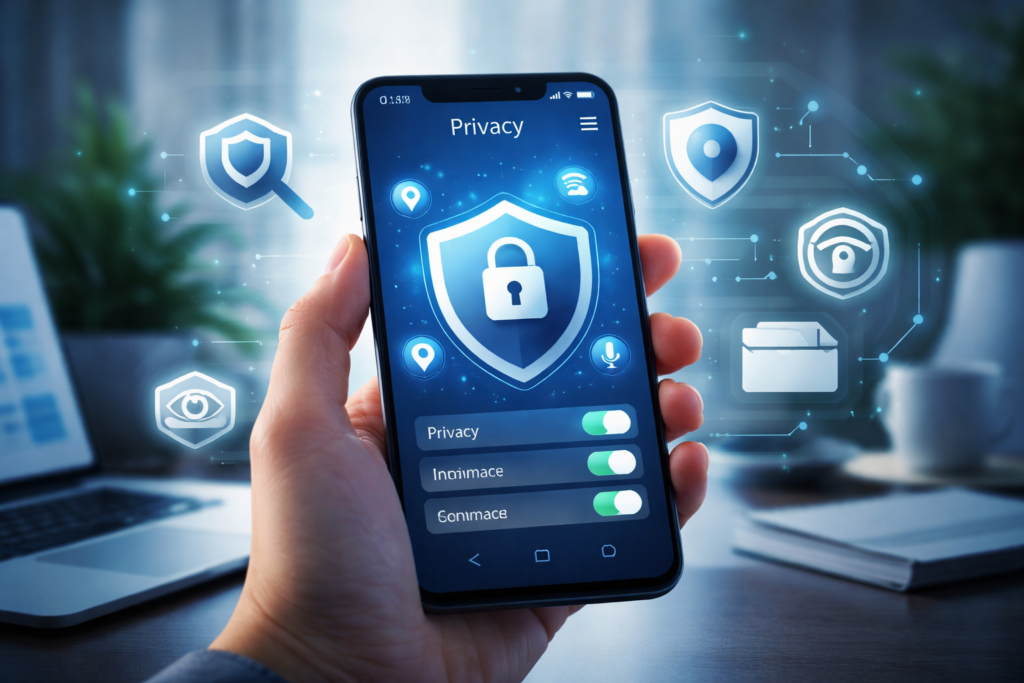
Your smartphone tracks more than just your steps and screen time. Location history, browsing habits, app usage, voice commands, and even nearby devices are often collected—sometimes without your full awareness.
As a mobile device repair and diagnostics provider working hands-on with smartphones daily, Cellular Zone SA regularly helps customers diagnose privacy risks caused by outdated software, misconfigured permissions, and compromised hardware. This guide is written using manufacturer documentation, government consumer-protection resources, and real-world device audits to help you take control of your data.
⚠️ YMYL Disclosure:
This article covers digital privacy and data security, which can impact personal safety and financial wellbeing. The information provided is for educational purposes only and does not replace professional cybersecurity or legal advice.
Section 1: Understanding Mobile Data Tracking in 2026
What Data Is Your Phone Collecting?
Modern smartphones collect multiple data types, including:
- Precise GPS location
- App usage and behavioral patterns
- Biometric data (fingerprints, facial scans)
- Advertising identifiers
- Bluetooth and Wi-Fi proximity data
According to the U.S. Federal Trade Commission, mobile tracking data is frequently shared with third-party advertisers and analytics firms, increasing exposure to misuse or breaches (FTC Consumer Privacy Reports).
Apple and Google both acknowledge this data collection in their official transparency disclosures:
- Apple Privacy White Paper
- Google Safety & Privacy Center
Why This Matters
Data tracking isn’t just about ads. Mismanaged permissions can lead to:
- Identity theft
- Location stalking
- Financial fraud
- Unauthorized microphone or camera access
If your phone has been physically damaged or repaired improperly, privacy risks can increase—one reason many users consult professional smartphone diagnostics like those offered through Smartphone Repairs.
Section 2: How to Perform a Full Privacy Audit on Your Phone
Step 1: Audit App Permissions (Most Important)
On iPhone
Go to Settings → Privacy & Security and review:
- Location Services
- Camera & Microphone
- Photos and Contacts
Disable:
- “Always Allow” location access
- Microphone access for social apps
- Photo library access set to “All Photos”
Apple recommends reviewing permissions every three months (Apple Support).
If your iPhone is lagging or settings reset frequently, a hardware inspection via iPhone Repairs may be necessary.
On Samsung & Android
Navigate to Settings → Privacy → Permission Manager.
Key actions:
- Set location to “While Using App”
- Revoke permissions from unused apps
- Disable background access
Samsung users experiencing battery drain or overheating should consider a full diagnostic via Samsung Repairs, as compromised components can affect system integrity.
Step 2: Disable Ad Tracking & Profiling
Both Apple and Google allow users to opt out—if you know where to look.
- On iPhone: Disable App Tracking Transparency
- On Android: Delete and disable your Advertising ID
According to the European Data Protection Board, disabling ad profiling can reduce third-party data sharing by over 60%.
Step 3: Secure Location & Bluetooth Tracking
Bluetooth tracking via beacons and nearby devices is increasingly common in 2026.
Turn off:
- Bluetooth scanning when not in use
- Wi-Fi auto-connect
- Nearby device discovery
Smartwatches and wearables can also expose data. If you use one, ensure firmware integrity or seek help through Apple Watch Repairs.
Section 3: Device-Specific Privacy Risks Most Users Miss
Older Phones & Tablets
Outdated devices often lack modern encryption standards.
If your tablet or secondary phone no longer receives updates, consider:
- A professional privacy reset
- Secure recycling
- Trade-in or resale
Options include Other Tablet Repairs or upgrading via Buy a Device.
MacBooks, Consoles & Secondary Devices
Your phone syncs data across devices.
- Macs store iCloud metadata
- Game consoles log account behavior
- Old devices retain cached credentials
Professional cleaning and inspection services like MacBook Repairs or Game Console Repairs can prevent residual data leaks.
Section 4: Practical Recommendations to Stay Private in 2026
Expert-Backed Best Practices
- Review app permissions monthly
- Keep OS fully updated
- Avoid sideloaded apps
- Use strong device passcodes
- Enable encryption and secure backups
If selling or recycling a phone, always perform a certified wipe. Services like Sell Mobile Device ensure data is permanently erased.
🔒 Professional Consultation Notice:
If you suspect spyware, stalking, or financial fraud, consult a certified cybersecurity professional or your local consumer protection agency.
Conclusion: Privacy Is a Habit, Not a Setting
Auditing your phone’s privacy isn’t a one-time task—it’s an ongoing practice. As tracking technology evolves, staying informed and proactive is the best defense.
If you need hands-on assistance, diagnostics, or secure device services, Cellular Zone SA offers trusted solutions across multiple locations. You can Book an Appointment or find your nearest store via Locations.
FAQs
Q1: How often should I review my phone’s privacy settings?
At least every three months, or immediately after installing new apps or system updates.
Q2: Can damaged hardware affect privacy?
Yes. Faulty components can cause system instability, permission resets, or security vulnerabilities.
Disclaimer
This content is for informational purposes only and does not constitute legal, financial, or cybersecurity advice. Always consult a qualified professional for personalized guidance.


